
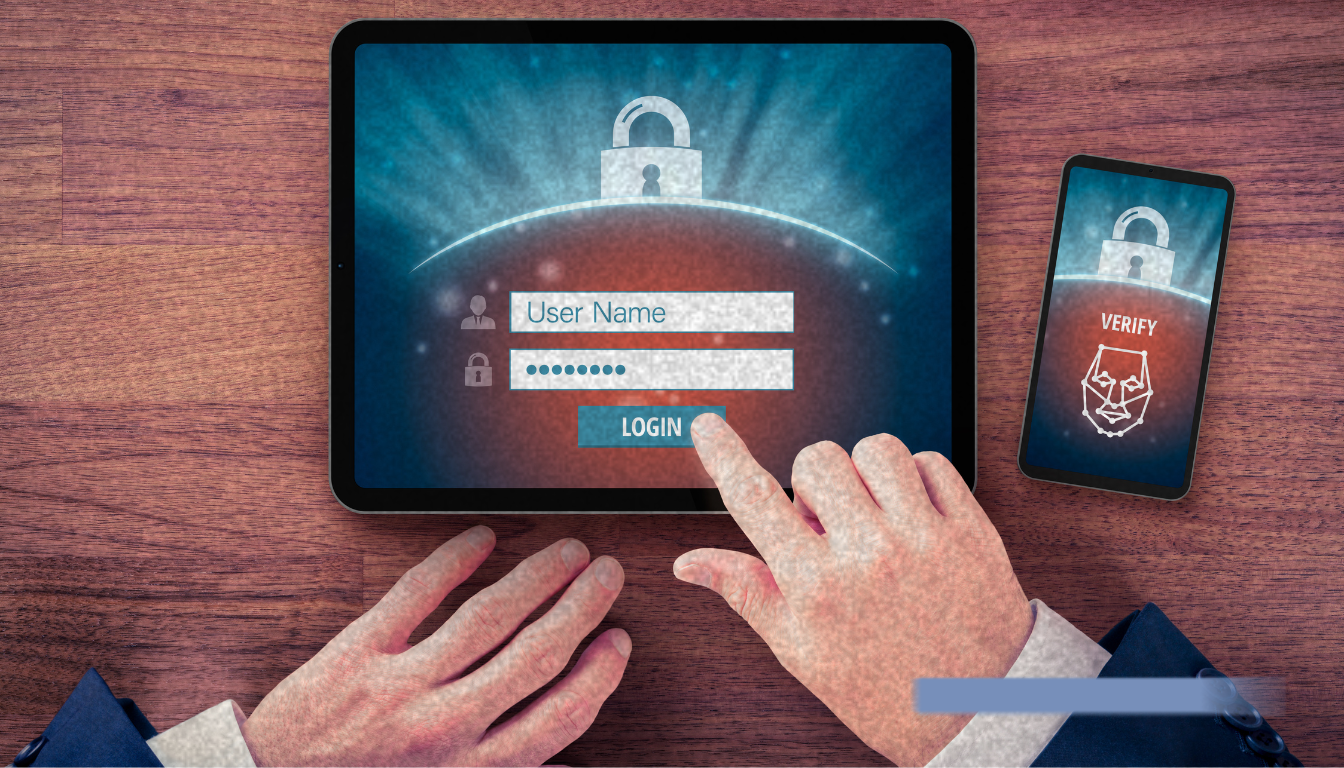
Modern phishing attacks don’t care how many authentication factors you use. In fact, cybercriminals are increasingly using sophisticated MFA bypass attacks to get around these defences.
Multi-factor authentication (MFA) is one of the most commonly used and recommended cybersecurity practices. And to be clear—it’s still important. But it’s not enough.
During a recent webinar, Breaking Down an Attack: Real-Time Detection and Response with Microsoft Sentinel we shared how attackers are bypassing MFA entirely. The takeaway? Even strong authentication can’t protect you if your users are tricked into giving away their session.
If MFA is your main line of defense, here’s why that’s not enough anymore.
What the attack looks like
Mike Spadolini from TD SYNNEX walked through a phishing attack using an open-source reverse proxy tool. It took under three minutes to steal a user’s credentials and active session—even with MFA enabled through Microsoft Authenticator.
Here’s how it worked:
- A spoofed login page mimicking Microsoft 365 was set up using Evilginx.
- A user clicked the phishing link, entered credentials, and passed the MFA prompt using their registered MFA Authenticator application.
- Behind the scenes, the tool captured the session token.
- That token was then used to log in as the user without requiring re-authentication.
This wasn’t theoretical. It was a live demo with real tools that anyone could access. And the scary part? Initial Access Brokers are using these techniques to harvest account access and selling this access to other criminal elements to take advantage.
“It took me all of three minutes to steal someone’s username, password, and session—even with MFA.”—Mike Spadolini, Microsoft Cloud Solution Architect, TD SYNNEX
What this means for security teams
MFA is necessary, but not a silver bulletWe still recommend MFA, of course, but MFA is often not the complete solution that many people believe it to be. Reverse proxy phishing tools make it easy to intercept credentials and tokens. Your users may think they’re logging in safely—but they’re handing over their session to an attacker.
Credential theft has evolvedThis isn’t just about stolen passwords. Modern phishing is about session hijacking. Once an attacker has the session token, they can move through your environment as if they’re the user, no matter how many factors you’ve set up.
Response matters just as much as preventionYou may not be able to stop every click, but you can see when something suspicious happens—and act on it fast. In this instance, that’s where Microsoft Sentinel, a cloud-native SIEM, and Microsoft Defender come in. They help you catch the signs of compromise, investigate quickly, and take meaningful action before things spread.
How to protect your users with Microsoft Sentinel and Defender
Here’s how to move beyond checkbox security and build real-world protection:
- Continue using MFA but educate your users. Most phishing attacks succeed because users don’t know what to look for. Awareness training still matters.
- Monitor behavior, not just logins. Sentinel’s user behavior analytics (UEBA) can detect anomalies like unfamiliar devices, impossible travel, and token reuse.
- Use conditional access and trusted device policies. Restrict access based on risk levels, device posture, or known IPs. Make it harder for attackers to blend in.
- Automate your response. Use Logic Apps with Sentinel to trigger automated responses like revoking sessions, alerting analysts, or disabling accounts when high-risk activity is detected.
Closing Thoughts
MFA matters, but it isn’t enough on its own. Strong identity security requires layered defenses that can detect, contain, and respond when attackers get around authentication. nuHarbor helps organizations strengthen identity security and build more resilient defenses. Connect with our team to learn where your biggest gaps may be.
Note: This blog highlights how to reduce the risk using Microsoft tools, but this challenge is platform-agnostic. If you have questions about your environment, we’re happy to help.

About the author
nuHarbor combines deep technical expertise with a genuine partnership approach — so organizations don't just get better security outcomes, they get a team they can actually rely on.